WhatsApp numbers
Your old number stays your shop's number.
Connect your business WhatsApp by scanning one QR code. No dedicated number yet? You can rent one from us.
Product screens are in Indonesian and show sample data.
Scan the QR from your phone.
On the Connect WhatsApp page, press Add WhatsApp, then scan the QR code from the phone that holds the number. Your customers keep contacting the same number as always.
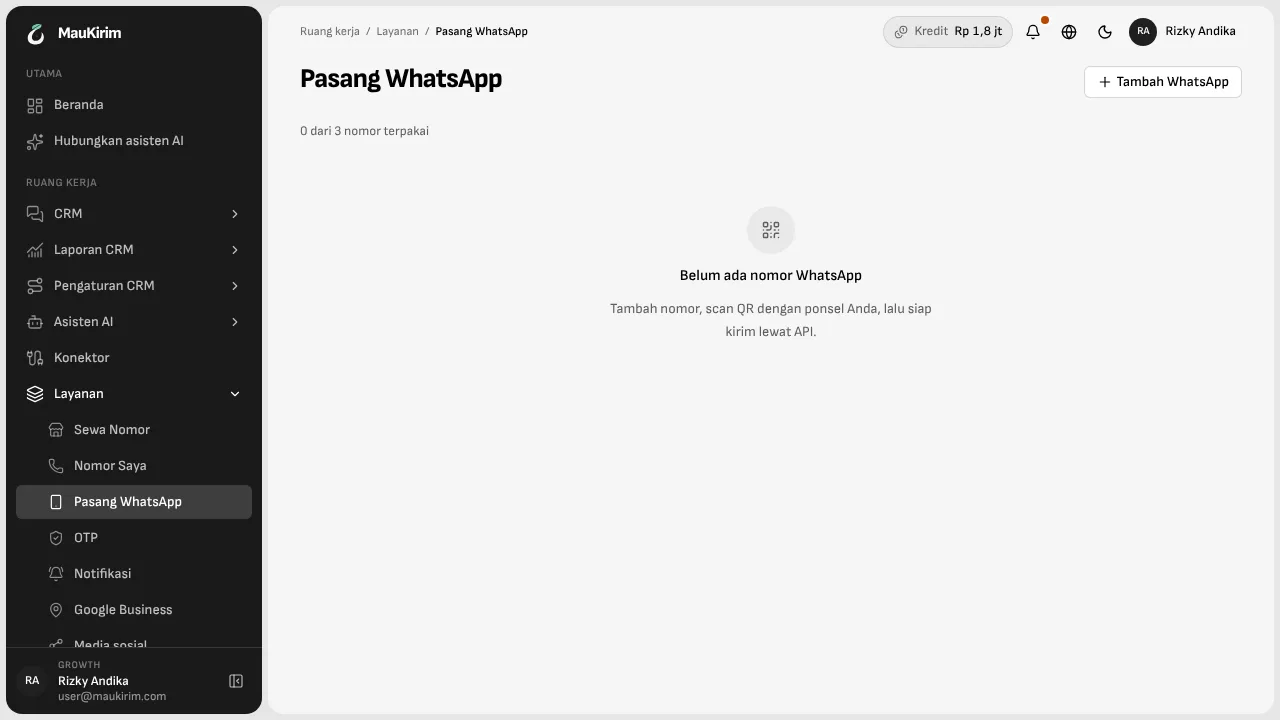
More than one number.
How many numbers you can connect depends on your plan. Each number can have its own AI assistant, or several numbers can share one.
Usable from the API and from Claude too.
A number you connect can be used from the API and from Claude, the same as a rented number.
No dedicated number yet? Rent one.
A rented number is managed by MauKirim and ready for the inbox, the AI assistant, the API, and webhooks. You set the business display name and profile photo yourself.
Risks you should know about
- Connecting by QR uses regular WhatsApp on your phone. It is not Meta's official WhatsApp Business API, so WhatsApp may restrict a number it considers to be sending unwanted messages. The risk is higher if you broadcast to people who do not know your number.
- If your volume is high, or your number cannot afford a restriction, choose the official route (WhatsApp Business API). It has its own fees and verification process, and the details are on the pricing page.
- Broadcasts only go out from your own number or a number you rent through MauKirim.
Frequently asked questions
Can my number be restricted or banned?
On the QR route, that risk exists. Sending only to people who agreed, and never mass-sending to numbers that do not know you, reduces it. If you need more certainty, the official route is available.
How many numbers can I connect?
As many as your plan includes. The exact figure is on the pricing page and your billing page.
Keep reading